
AES-256 encryption · No-log · 3200 servers · 90 countries
PRIVATE BY DEFAULT.
Lightning VPN wraps every connection in military-grade encryption and routes it through 3200 servers in 90 countries — with a strict no-log policy and connection times measured in milliseconds. Protect your PC, Mac, Android and iPhone with a single account.

3200
Servers worldwide

90
Countries
0
Logs kept, ever

99.9%
Uptime
WHY LIGHTNING
Built for speed, trust and privacy
AES-256 encryption
Your traffic is scrambled with military-grade AES-256 the moment it leaves your device, so your browsing, banking and messages stay unreadable on any network.
Audited no-log policy
We store nothing to share. Our no-log policy has been independently audited by a third-party firm and has never been broken.
3200 servers, 90 countries
A global network keeps latency low and your content always reachable, with automatic routing to the fastest server near you.
24/7 human support
Real engineers answer around the clock, in plain language, whenever you need help setting up a device or picking a server.
VPN PLANS
Every device · one account
Windows
Lightning VPN — PC
$12.99/mo
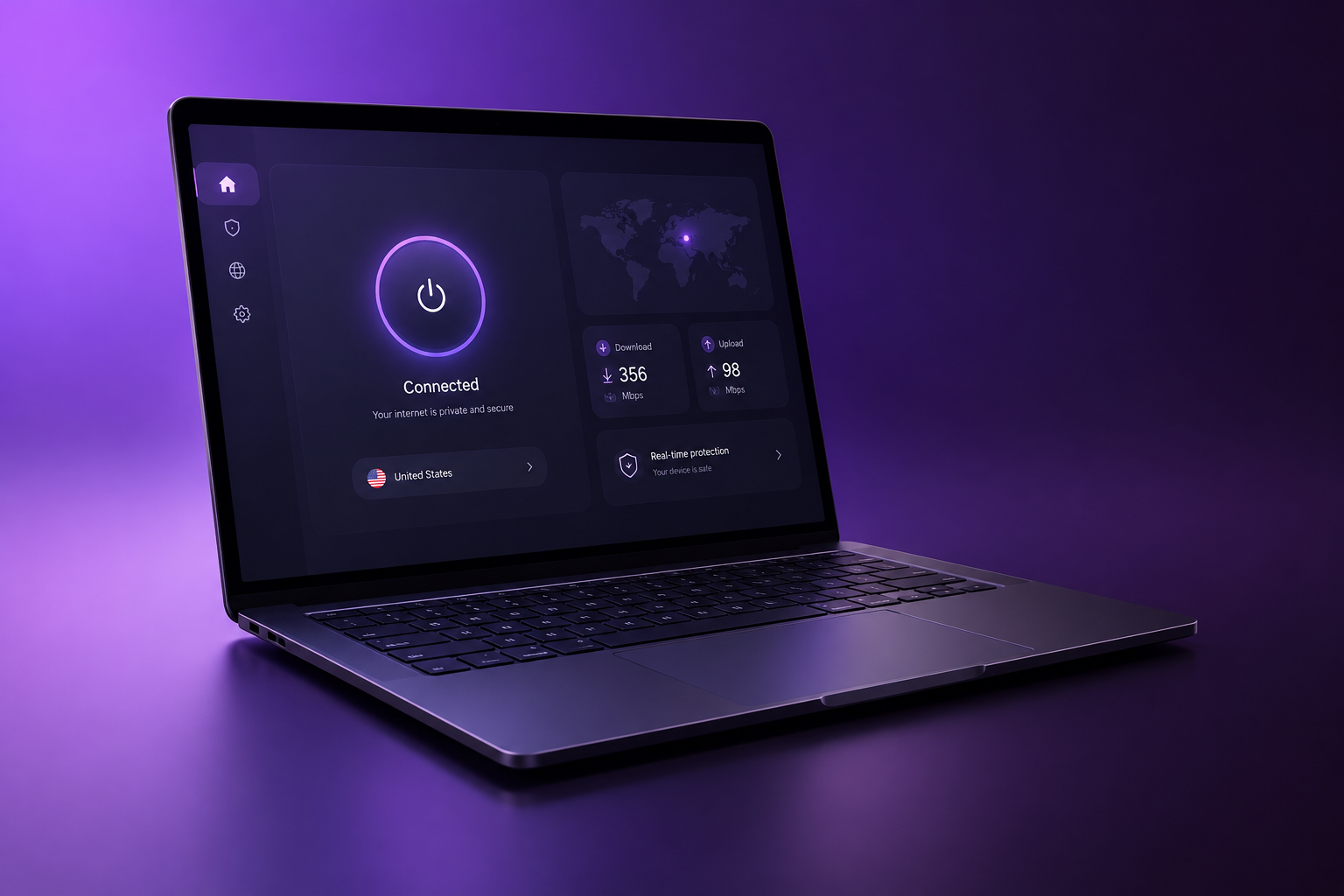
The Windows edition routes every connection through an encrypted tunnel with split tunnelling and a fail-safe kill switch, so streaming, gaming and banking stay private on any network. It launches quietly with Windows and is managed from the tool tray.
- Windows 10 & 11
- Kill switch & split tunneling
macOS
Lightning VPN — Mac
$12.99/mo
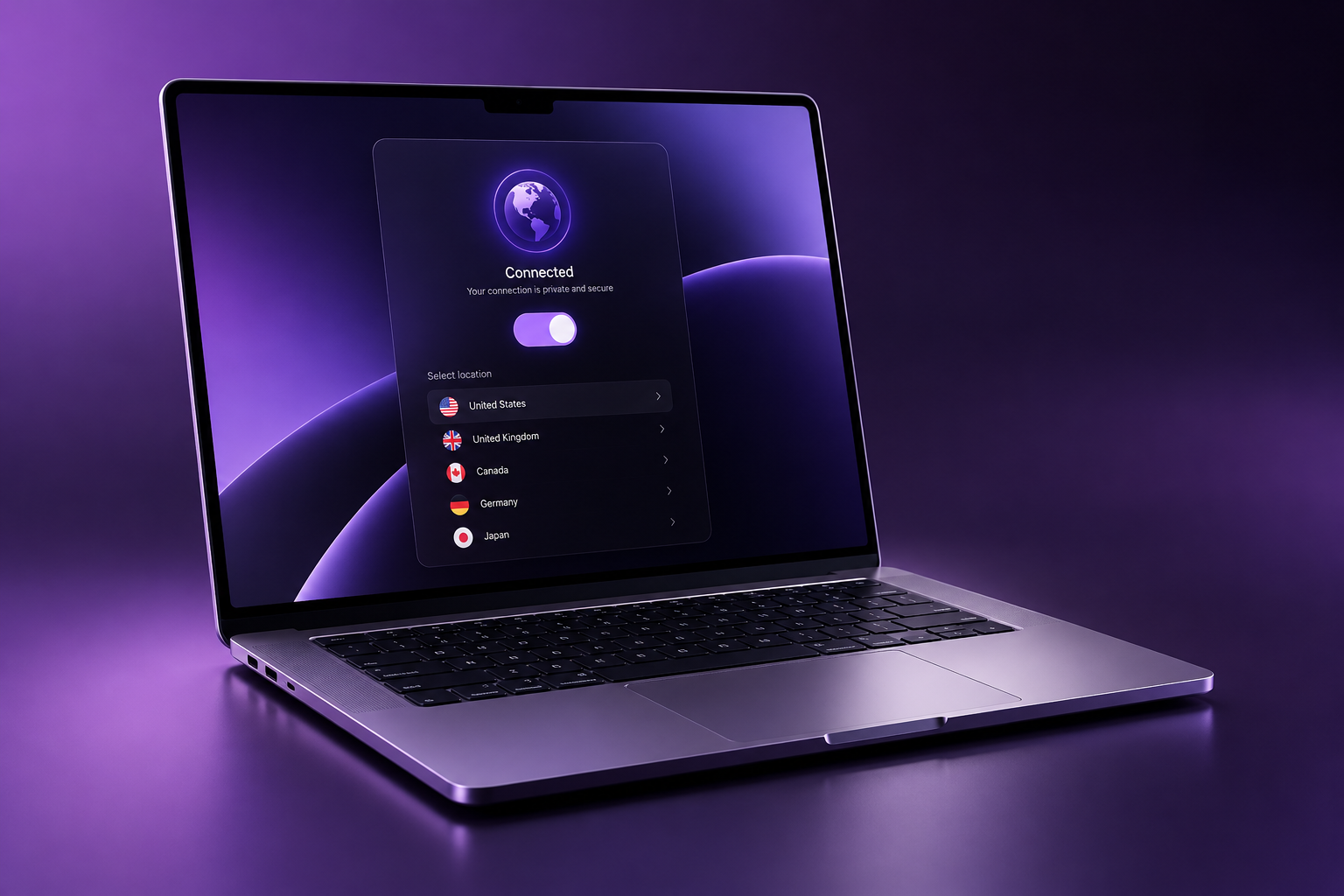
A native macOS app that sends your traffic through an encrypted tunnel with automatic fastest-server routing, a menu-bar widget and a kill switch for safe Wi-Fi hand-offs. Runs perfectly on Apple silicon and every recent macOS.
- Native menu-bar app
- Fastest-server routing
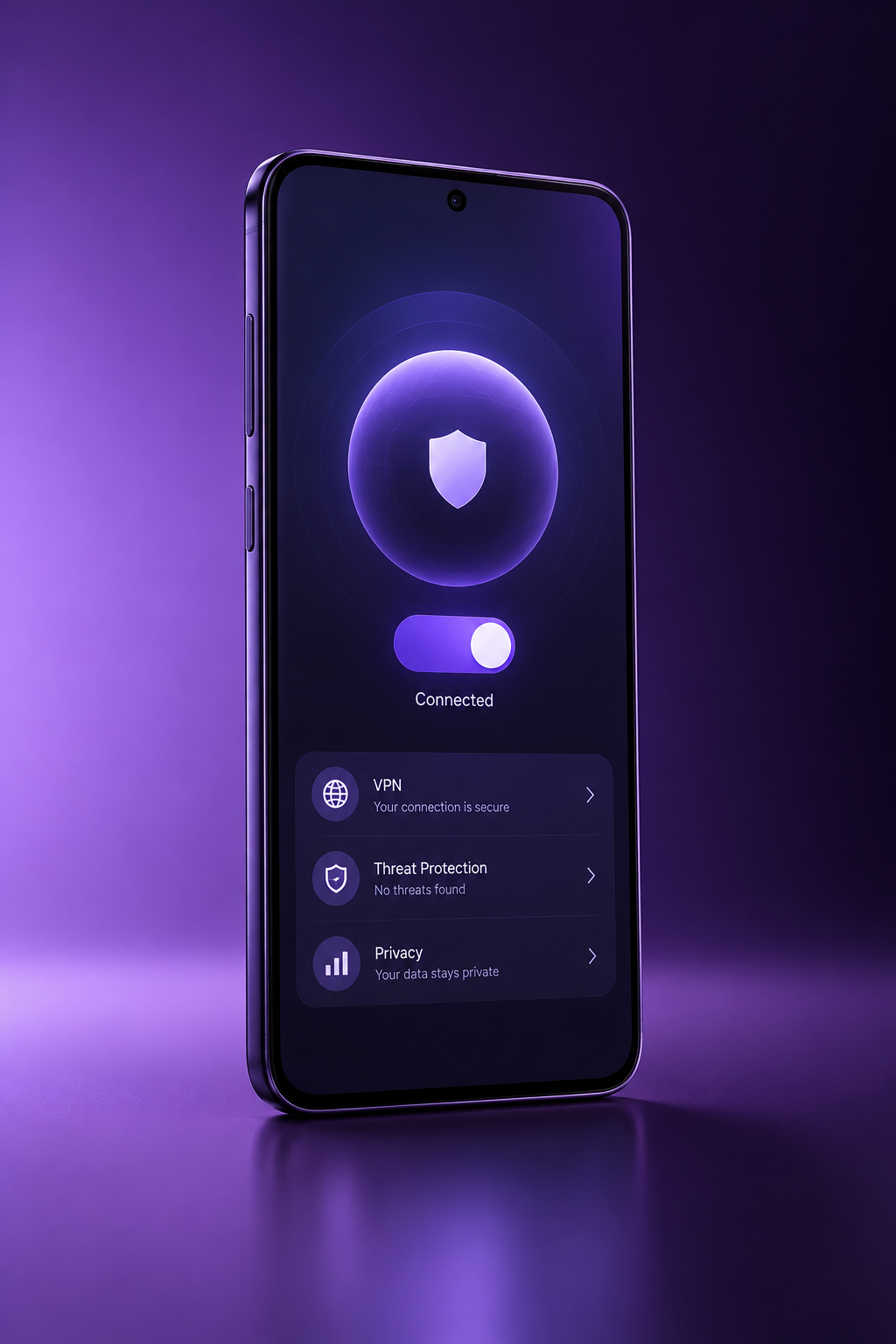
Android
Lightning VPN — Android
$12.99/mo
A lightweight Android app that encrypts your connection on any network automatically, with per-app tunnelling, always-on protection and a low battery and data footprint. One tap connects you to the fastest nearby server.
- Always-on & auto-reconnect
- Per-app tunneling
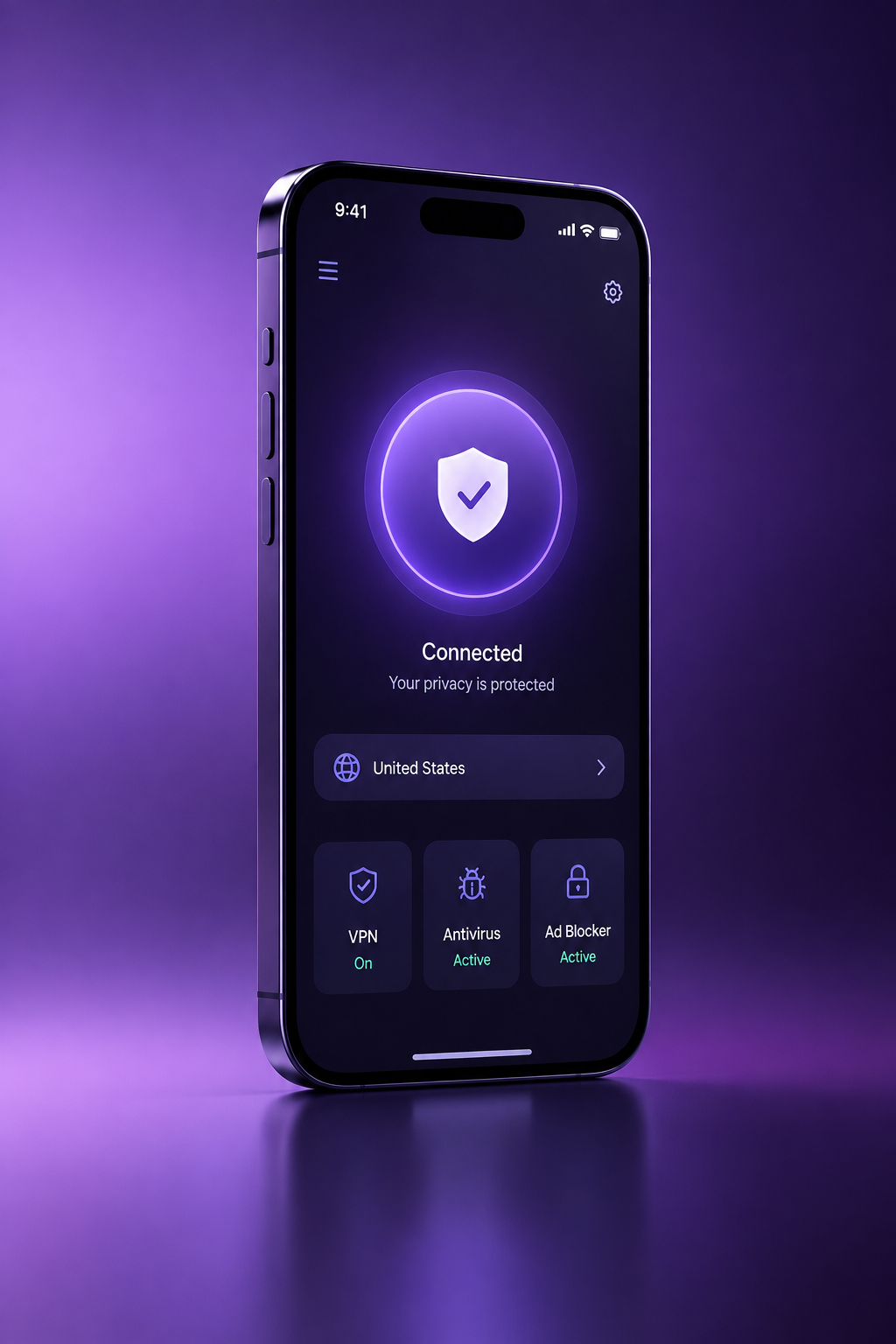
iPhone & iPad
Lightning VPN — iOS
$12.99/mo
A one-tap native app for iPhone and iPad that encrypts every connection before it leaves the device, with automatic server selection and quiet, battery-friendly background operation. Ideal for public Wi-Fi on the move.
- One-tap native iOS app
- Low battery & data use
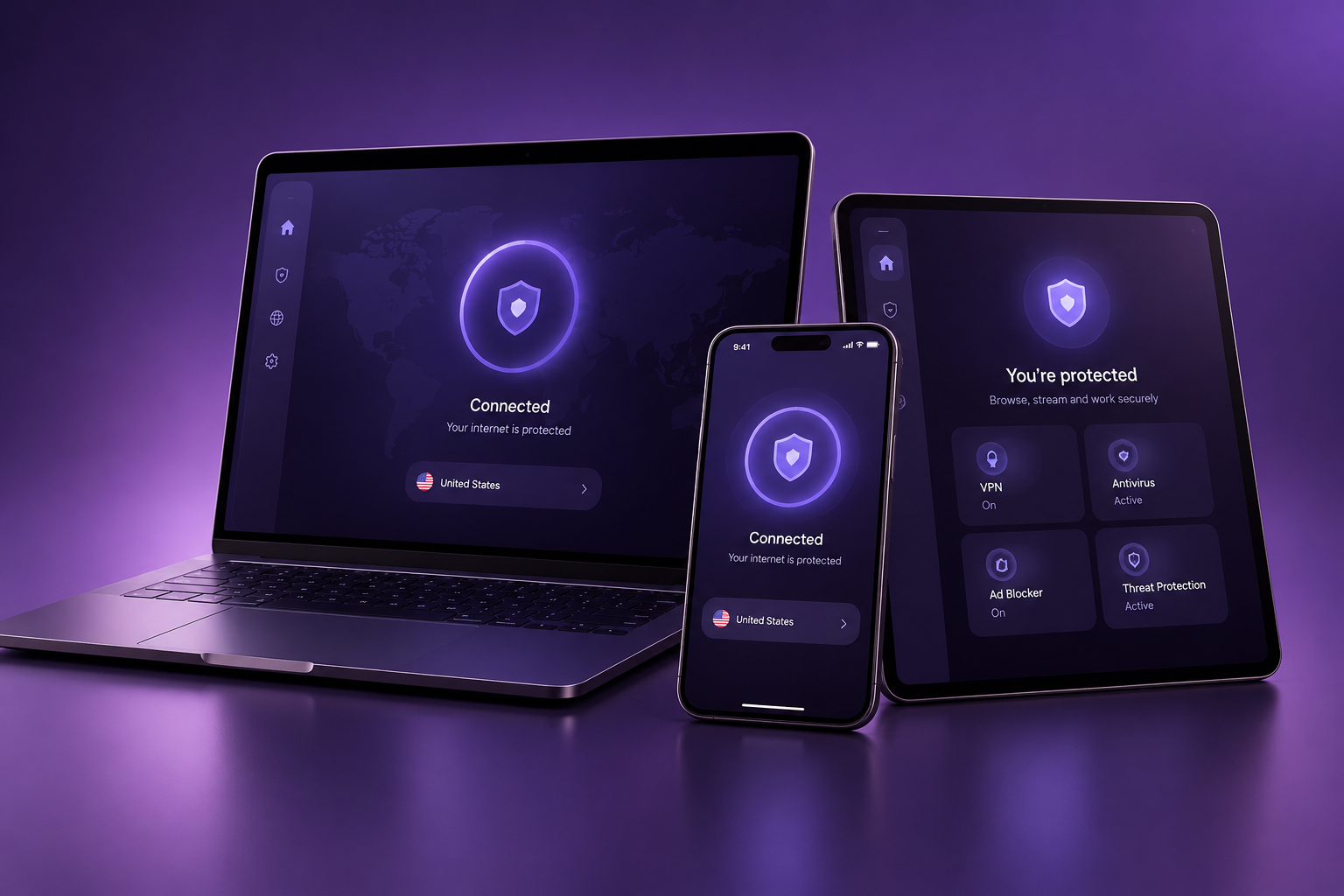
Best value
Family — 5 devices
$19.99/mo
One subscription covers up to five devices — PCs, Macs, phones and tablets — each with its own encrypted connection and unlimited bandwidth, managed from a single family dashboard with easy add and remove.
- 5 simultaneous connections
- Family dashboard
ANTIVIRUS PLANS
Real-time protection · 3 plans
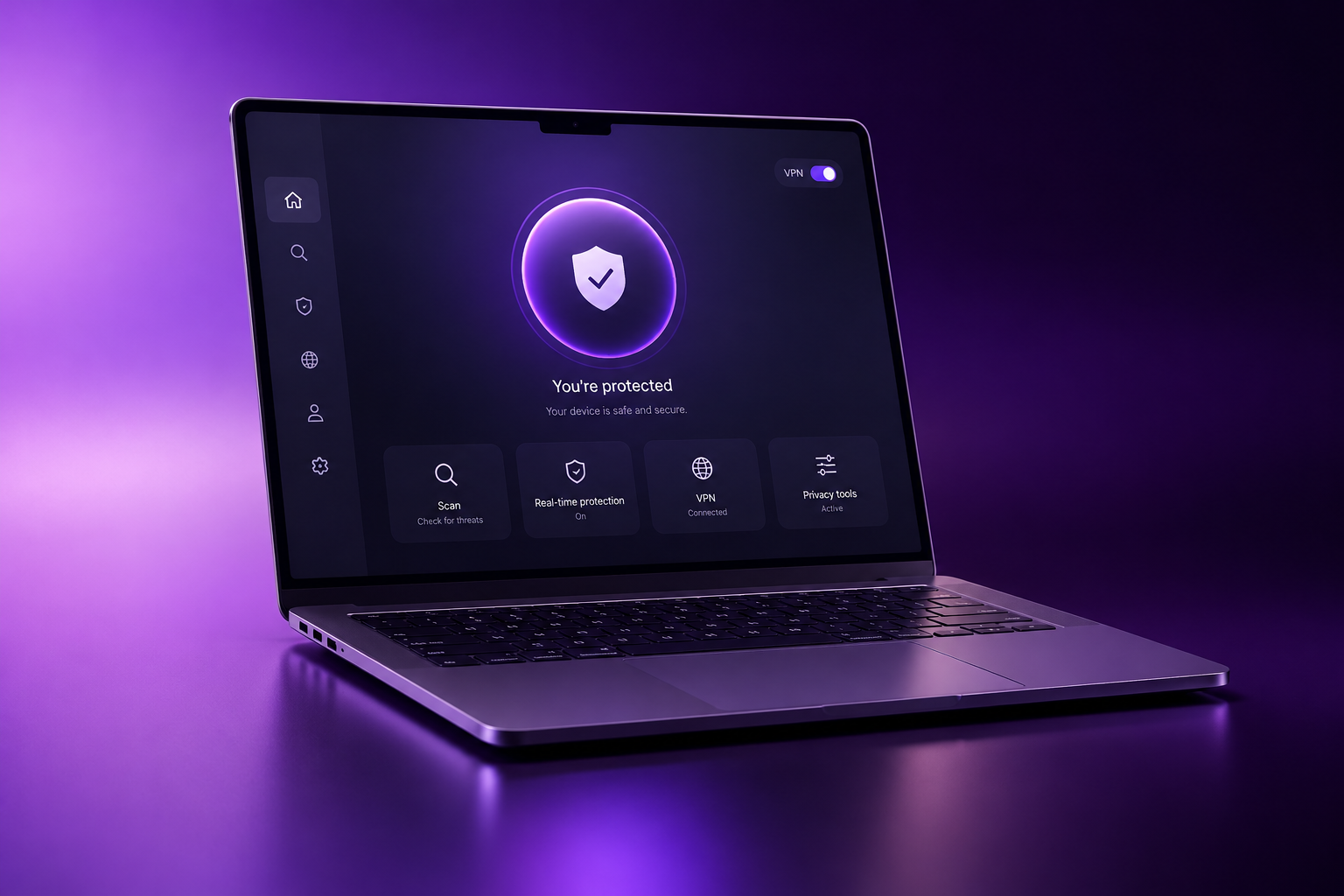
1 device
Antivirus Basic
$3.99/mo
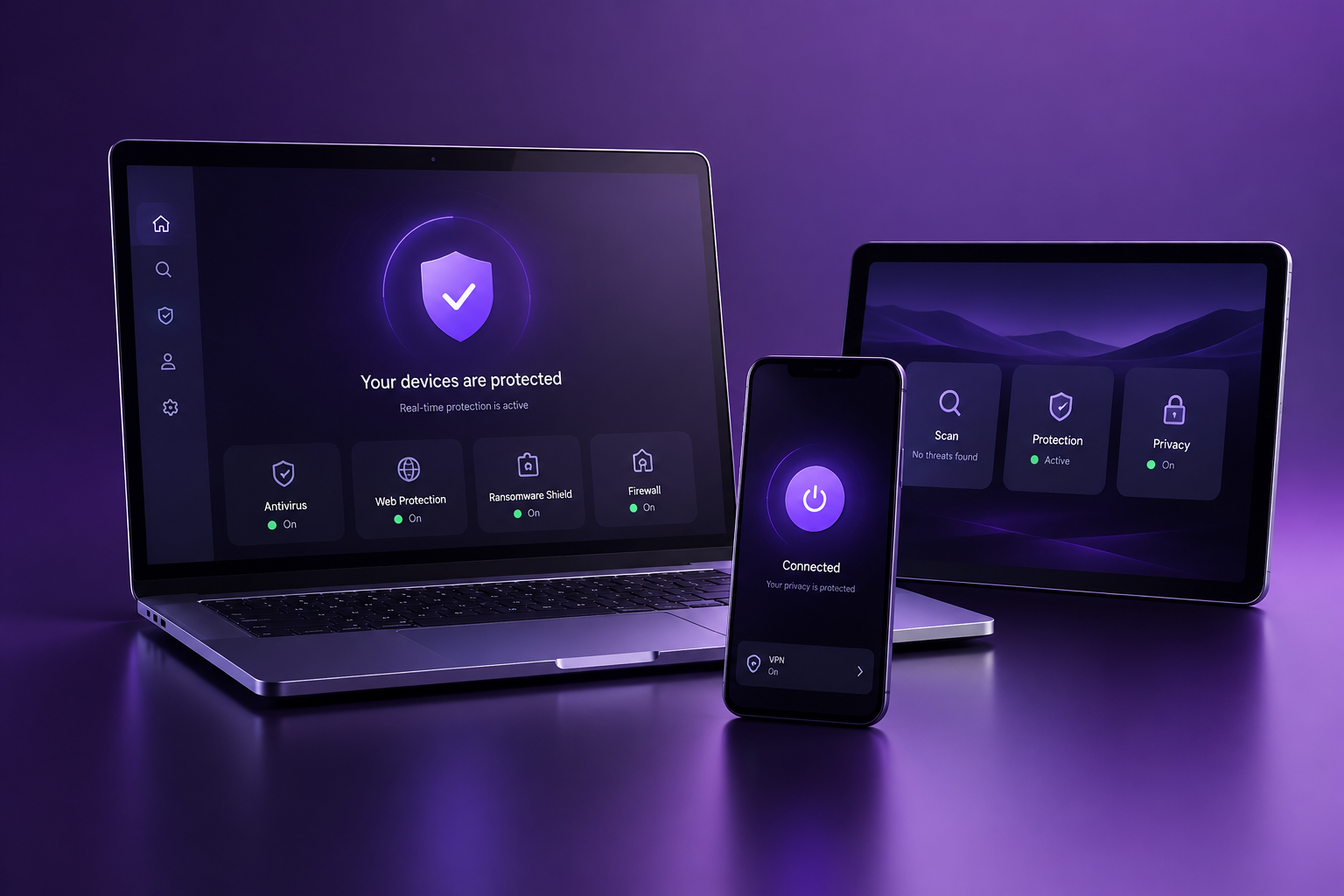
Real-time protection that quietly scans every file and download the moment it arrives, refreshes daily, and adds safe-browsing protection for risky websites. A fast full-system scan keeps drives clear without slowing you down.
- Real-time scanning
- Safe-browsing protection
5 devices
Antivirus Pro
$7.99/mo
Combines real-time scanning with a built-in VPN for one-tap privacy, a smart quiet mode that holds background tasks during games and calls, and machine-learning detection with plain-language weekly reports.
- Machine-learning detection
- Secure browser & weekly reports
10 devices
Antivirus Ultimate
$12.99/mo
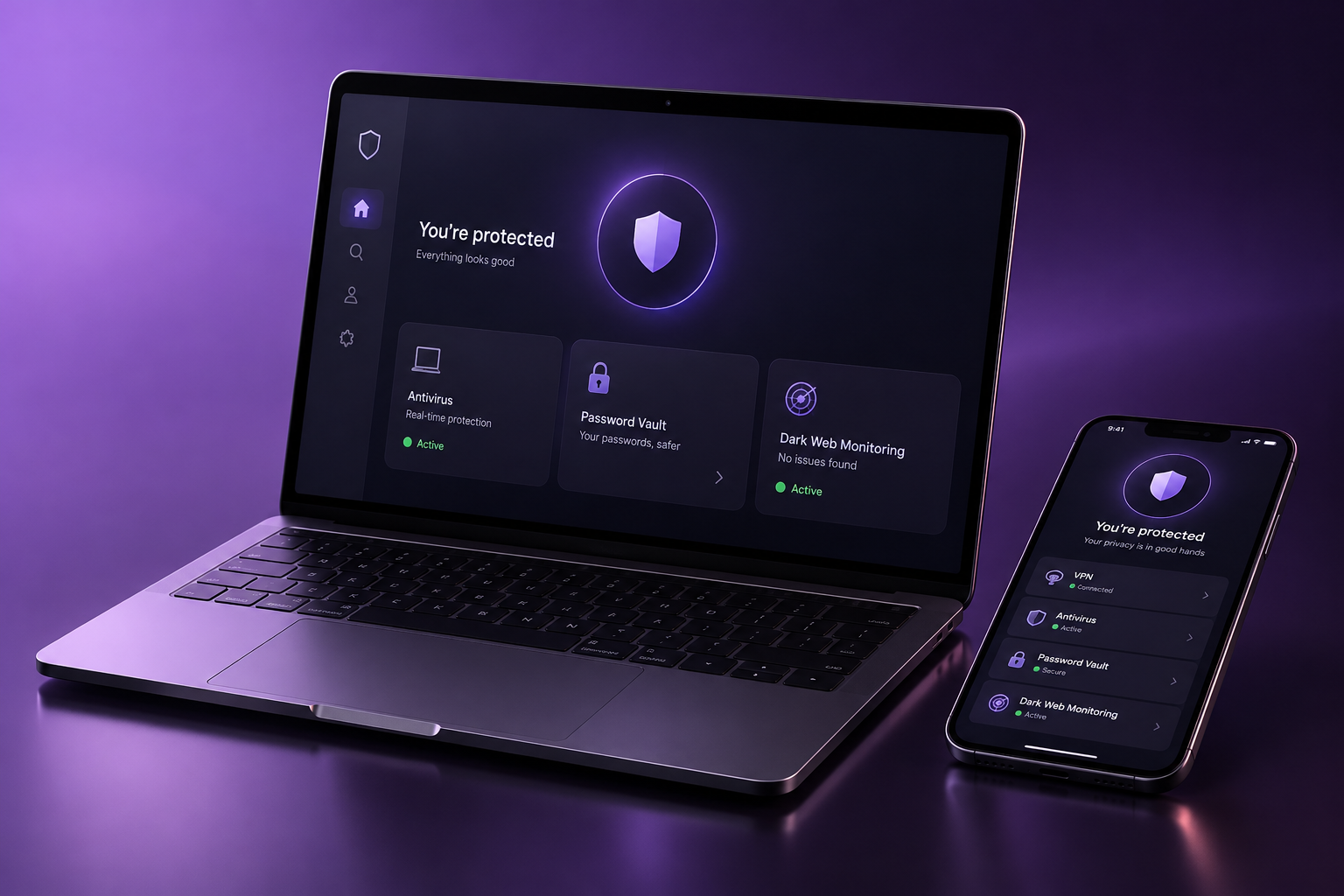
A full security suite with real-time scanning, a hardened firewall, webcam and microphone alerts, a password manager, dark-web monitoring and a file shredder — with priority support for up to ten devices.
- Password manager & dark-web alerts
- File shredder & priority support
WORKS ACROSS YOUR DEVICES
One account, every screen
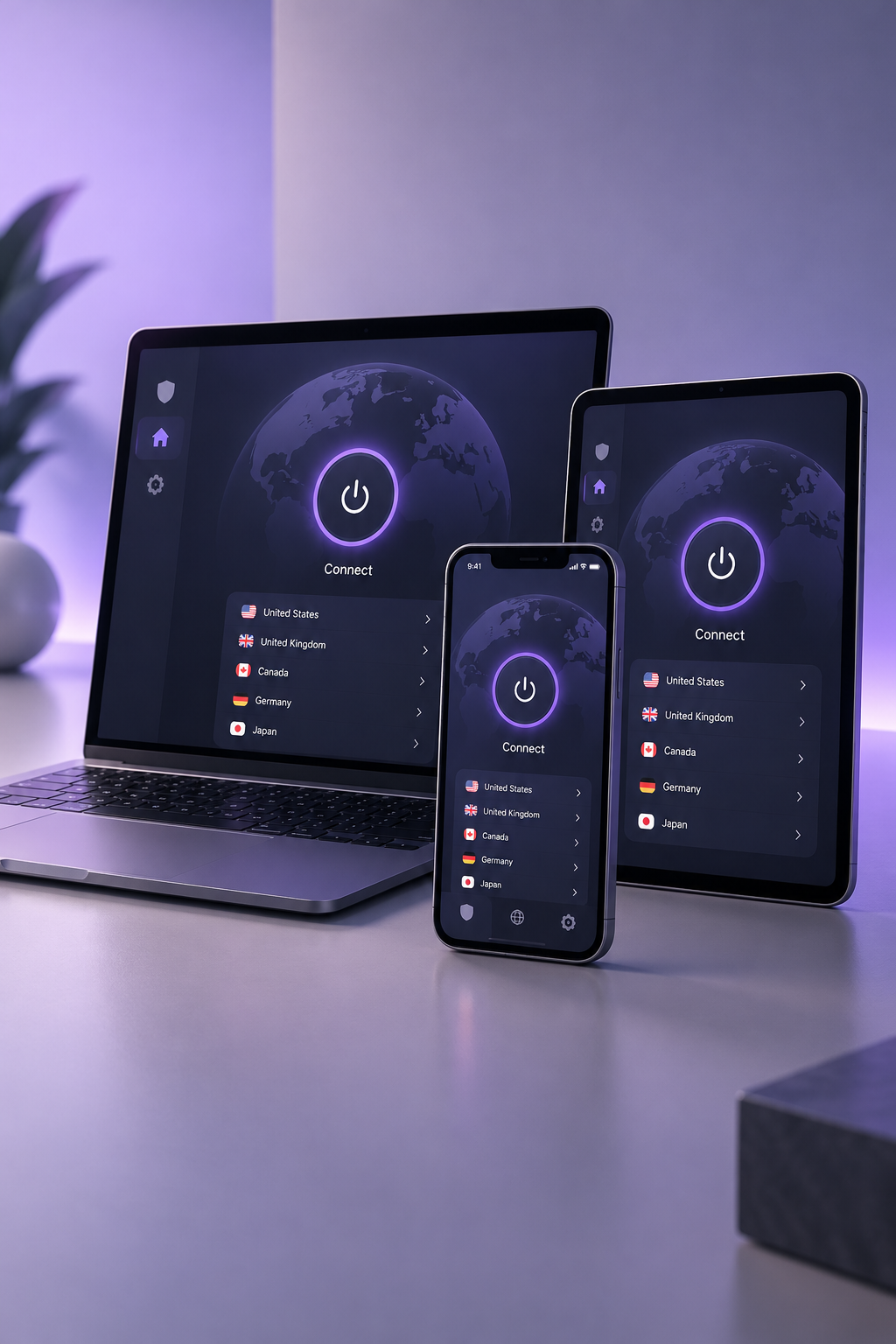
Whether you are on a Windows office PC, a MacBook by the window, an Android phone on the train or an iPhone at a coffee shop, Lightning VPN follows you. Connect five devices at once under one subscription, or every device under the family plan, and switch between them without ever signing in again.
Every device gets the same protections automatically: AES-256 encryption, a kill switch that cuts the link the moment the tunnel drops, and per-app rules so only the traffic you choose is routed through the VPN. One dashboard manages them all — install the app, sign in once, and each new screen is protected in seconds.
GET STARTED IN MINUTES
Three steps to private browsing
01
Pick your plan
Choose the device plan that fits, from a single PC to the whole family. Pay by card or PayPal and you are set up in seconds.
02
Download the app
Install the native Lightning VPN app on any supported device. It works out of the box with no configuration required.
03
Tap connect
Hit connect and we route you to the fastest server nearby. Your traffic is encrypted before it leaves the device.
TRUSTED BY MILLIONS
4.8/5 from 120,000+ reviews

“It connects in under a second and I have never noticed a speed drop during a video call.”
Maya Chen
Remote worker, Austin

“The family plan covers our laptops and both phones, and the dashboard is genuinely simple to read.”
Daniel Okafor
Father of three, Toronto

“I travel a lot and use it on cafe Wi-Fi every day. Support replied in two minutes when I had a question.”
Sofia Reyes
Digital nomad, Lisbon
FROM THE BLOG
-
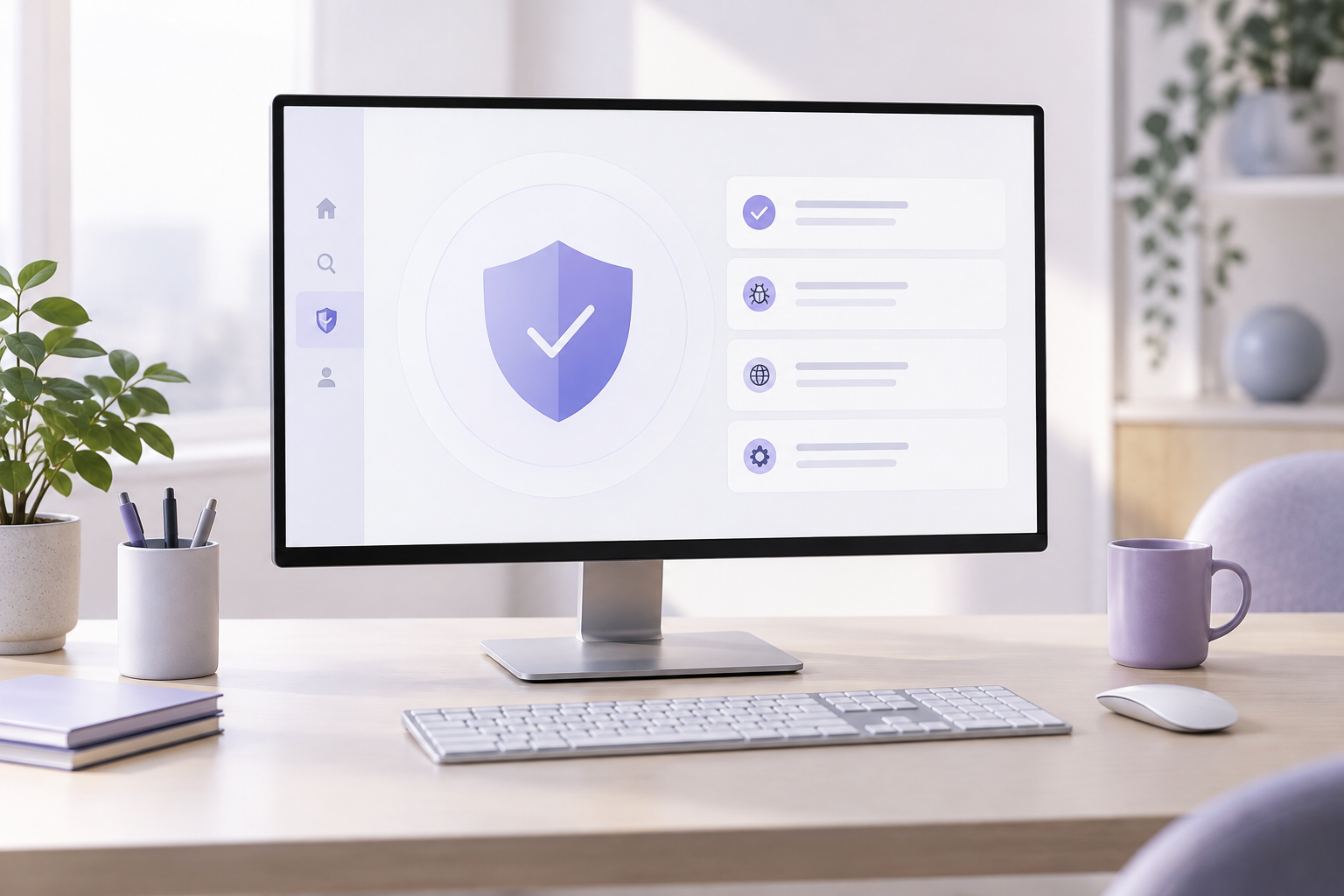
Choosing the Right Antivirus for Your Office
An office is only as secure as its least careful device. With laptops, phones and shared machines on one network, choosing the right antivirus matters — and the right choice depends on how many devices you defend. Match the plan to the team A solo consultant with one laptop needs simple, always-on protection — that…
-
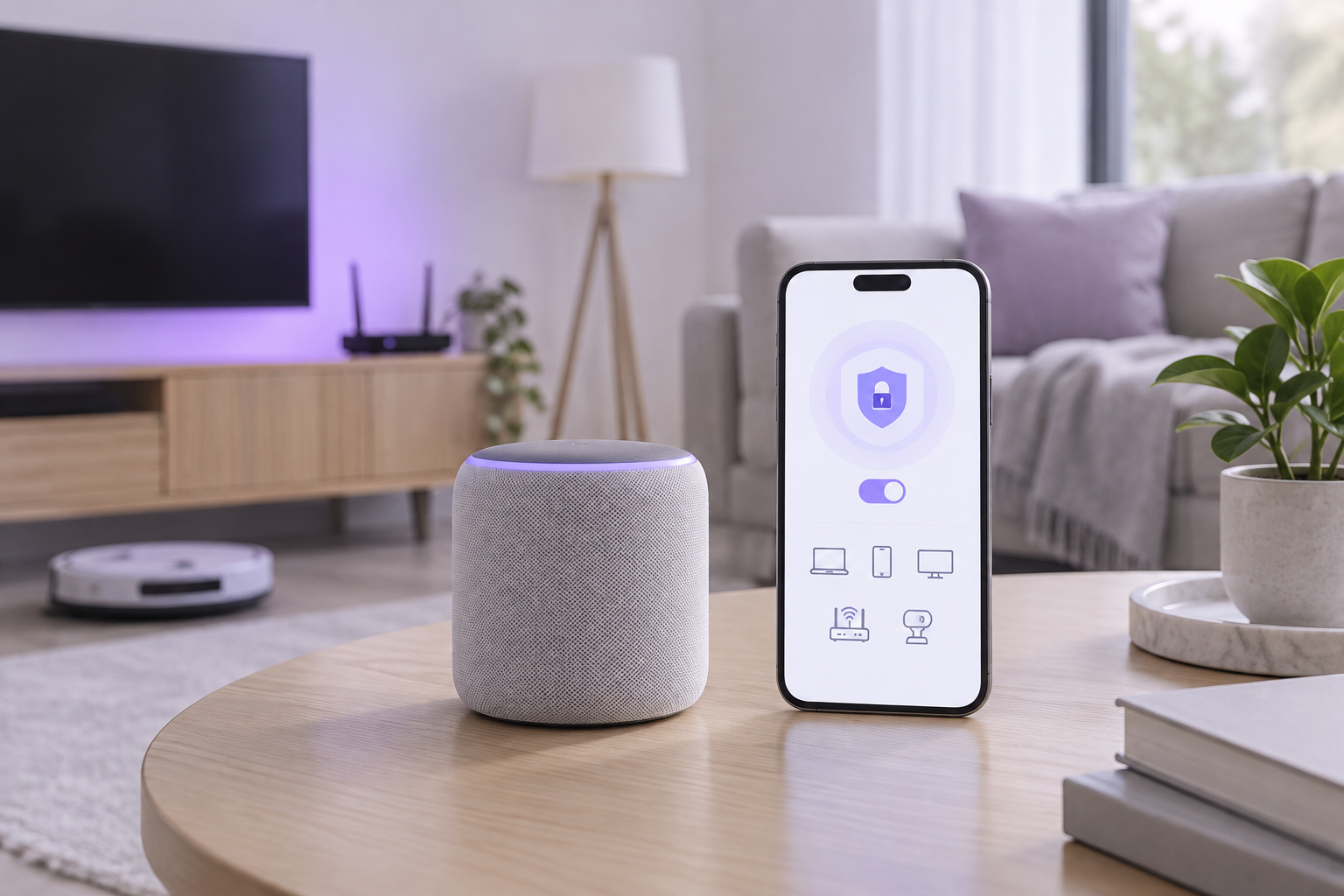
Securing Your Smart Home Devices
Smart speakers, cameras, thermostats and plugs make life easier — and add dozens of new entry points to your home network. Many ship with weak security and phone home constantly, which is why they deserve their own protection plan. Start with the basics Change the default password on every device and your router. Enable automatic…
-
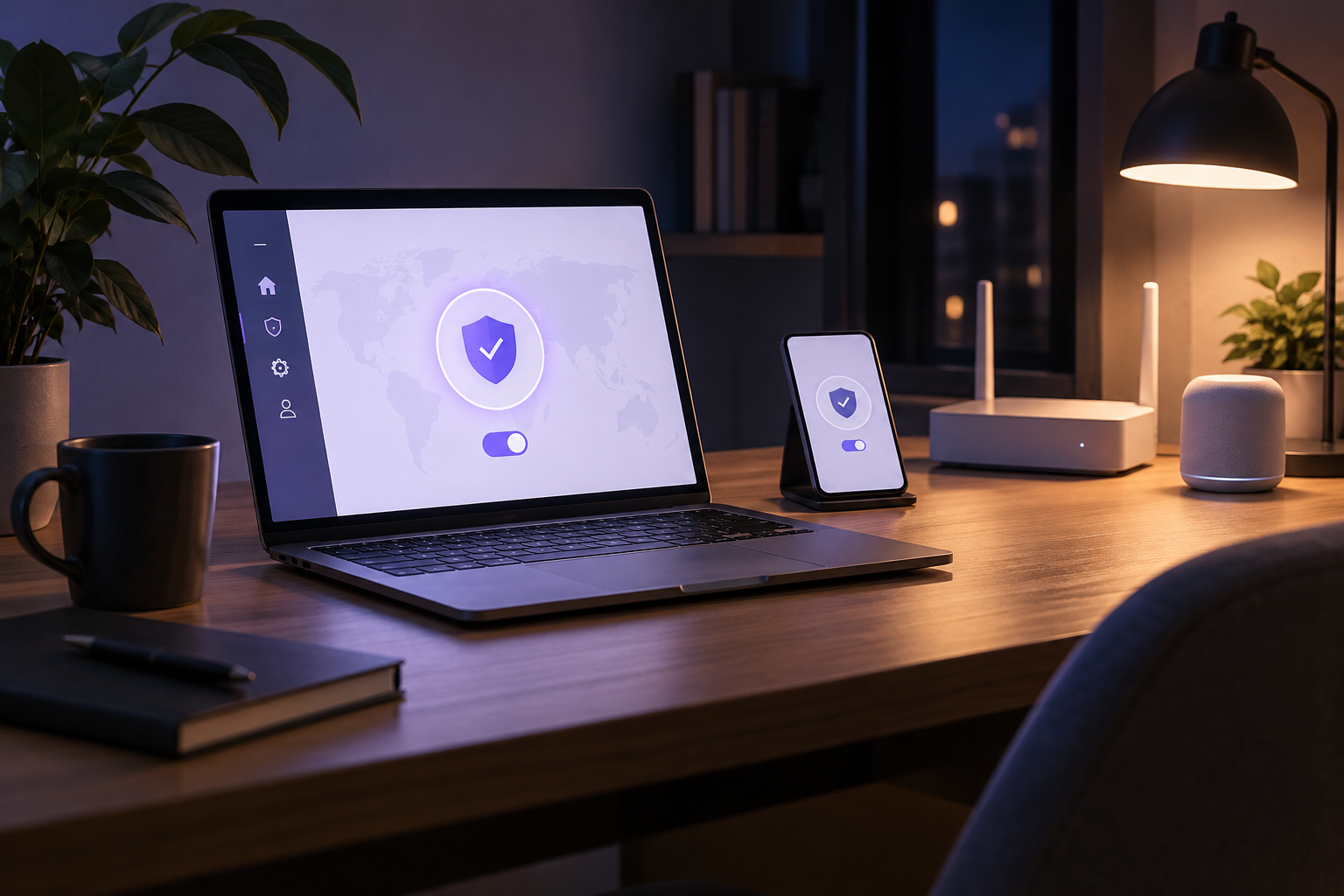
Working After Dark: Securing Late-Night Sessions
Some of the most important work happens late at night — last-minute deadlines, quiet coding, side projects. And some of the least-secure connections do too, because it is easy to drop your guard when the office is empty. The late-night risks The same public or home Wi-Fi you trust during the day carries the same…
FREQUENTLY ASKED
Straight answers
Does Lightning VPN keep logs?
No. We run a strict no-log policy that has been independently audited by a third-party firm. We never store your browsing history, DNS queries or connection timestamps.
How many devices can I connect?
Each single-device plan covers one device at a time. The Family plan lets you connect five devices simultaneously, and every plan allows unlimited switching between your devices.

Can I use it for streaming?
Yes. Our dedicated streaming servers are optimised for platforms like Netflix, Hulu, DAZN and BBC iPlayer, with stable speeds for HD and 4K playback.
What payment methods do you accept?
We accept all major credit and debit cards through Stripe, as well as PayPal. Checkout is encrypted and we never see or store your full card number.
Is there a money-back guarantee?
Every plan comes with a 30-day, no-questions-asked money-back guarantee. If it is not right for you, contact support within 30 days for a full refund.